How to charge an electric car in Dubai: your first DC fast charge, step by step
Your first DC fast charge at VoltUp Umm Ramool, step by step: set up the VoltUp app, top up the wallet, and a VoltUp operator connects your car. Open 24/7.
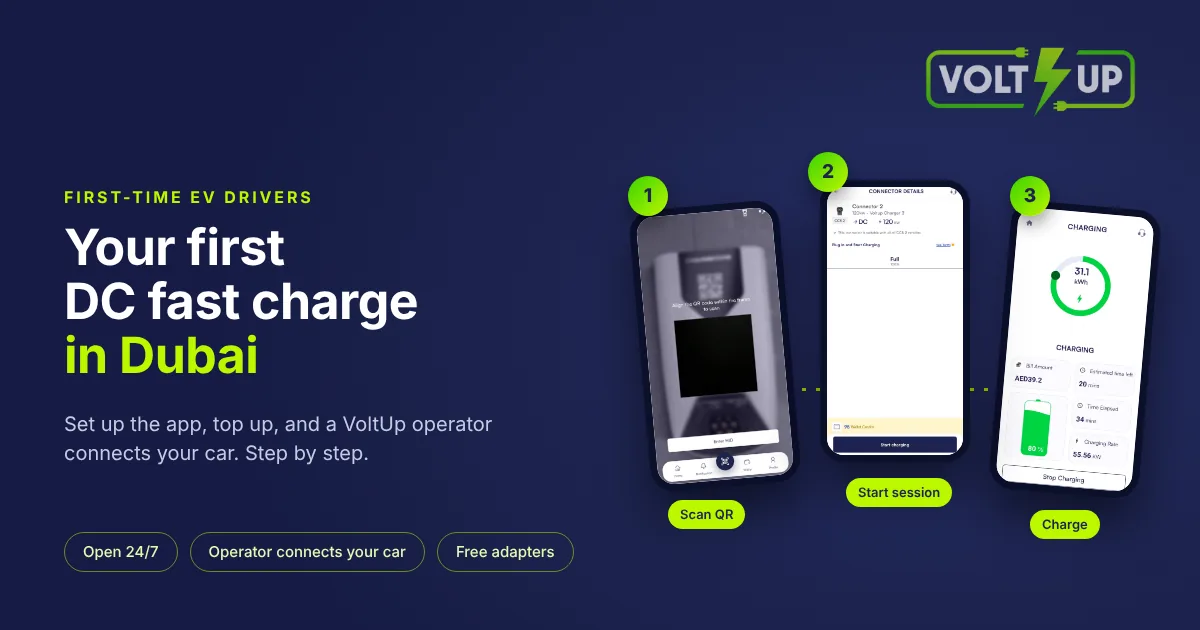
If you are wondering how to charge an electric car in Dubai for the first time, start with the VoltUp app: download it, create an account and top up the wallet. At our hub a VoltUp operator connects your car, and you start the session by scanning the charger's QR code in the app.
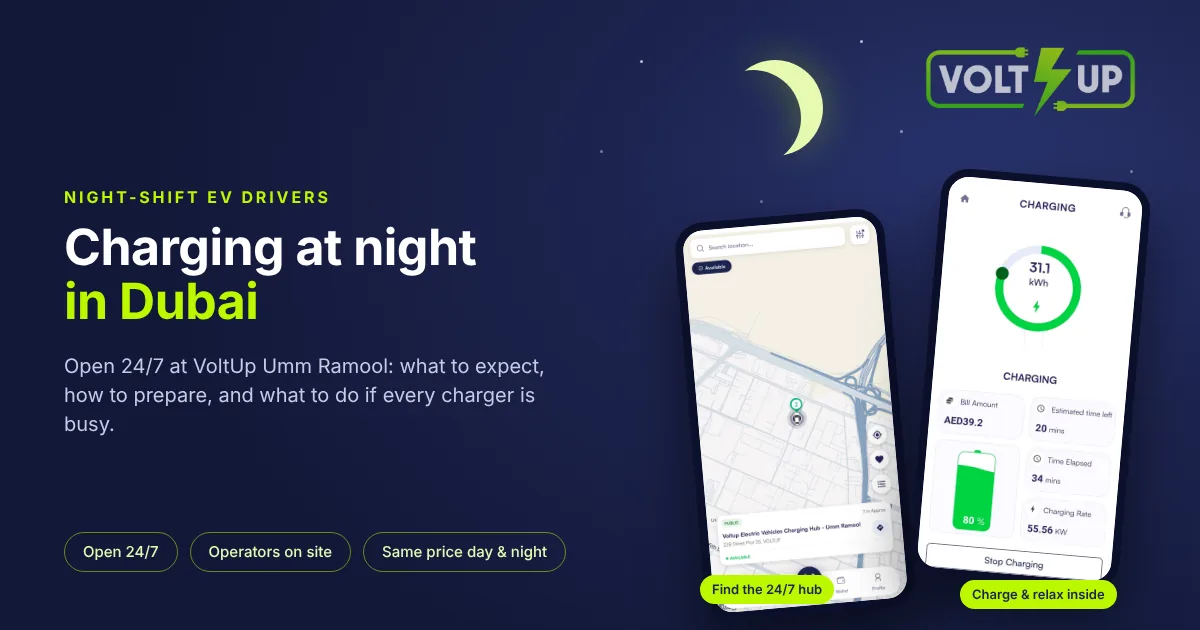
On your first visit the team helps you download the app, create an account and top up, then explains the QR scan and "start session". VoltUp Umm Ramool is open 24/7, every day of the year, including public holidays.
Before you come
All you need is a phone with the VoltUp app. If you have not installed it yet, the hub has free, open Wi-Fi for the download.
You create your account once, in the app: your phone number, a 6-digit SMS code to confirm it, your name and email address, how you want to pay, and your car, a step you can skip.
Setting up the app takes about 45 seconds, and the SMS code arrives within seconds. A first top-up takes about 30 seconds online, or about 45 seconds at the cash deposit machine in the waiting area. These times are approximate. The minimum top-up is AED 5.
Cars sold through official GCC dealers use CCS2 and plug in directly, and so do Teslas bought in the GCC. Cars imported from outside the GCC, for example from China or the US, charge with a VoltUp adapter. In most cases you do not need to check anything, because the team brings the right adapter. If you are unsure, ask us first. Most, but not all, EVs on UAE roads can charge here; CHAdeMO is not supported.
A short checklist before your first visit:
The VoltUp app is installed on your phone.
Your account is confirmed with the SMS code.
Your wallet is topped up.
You know your car's connector type, or you have asked the team.
Finding VoltUp Umm Ramool
VoltUp EV Charging Station is at 22B Street 25, Umm Ramool, Dubai, UAE. For landmarks: we are about 650 m from Dubai CommerCity, behind the RTA Happiness Customer Centre in Umm Ramool, and near Emirates metro station. Open the directions to VoltUp Umm Ramool in Google Maps.
Enter from 22B Street 25. The entrance is open, with no gate, barrier or security check. Large VoltUp logos and arrows mark the entry and the exit. Follow the signs and the bay markings, and park in the bay the team directs you to. Day or night, a VoltUp team is on site.
At the bay
The team directs you to the charger that suits your car. A VoltUp operator then connects the cable, and the adapter if your car needs one, switches the charger on if needed and checks that the connection is stable. We do this for every customer, day and night, with no exceptions.
We always use our own VoltUp-certified adapters, free to use and matched to your car and our chargers. If your car came with its own adapter, leave it in the car. Please let the operator handle connectors and adapters, and do not try to fix them yourself.
Cars with a GB/T inlet need a few extra steps, set by the adapter makers. The operator puts the adapter in the car and presses its button, and it blinks once per second. Then the charger's gun goes in. When the pre-link is right, the adapter blinks three times per second, so the team knows the link works. After that, the team scans the QR code for you.
The common mistake on a first visit happens without an operator: adapter in, gun in, and scanning the QR code at once. That does not work, which is why the team scans the code for you.
With CCS2 cars little goes wrong. The main issue we see is dirty DC pins, in the charger's gun or in the car's inlet, which can make the connection drop; you see it on the screen. If a session stops, a VoltUp operator usually restarts it for you, with your agreement.
How to use the EV charging station: starting the session
Once the car is connected, open the VoltUp app and tap the round QR button in the bottom bar. Each cable on a charger has its own QR code: Gun A on the left, Gun B on the right. Scan the code on the cable connected to your car, then tap "start session". If a code cannot be scanned, "Enter HID" in the app is the fallback.
You can also start with an RFID card linked to your account. Every customer, private or fleet, can get one, and we give all RFID cards free of charge. Either way, the session is paid from your in-app wallet.
While the session runs, the charger screen and the app show your battery percentage and an estimated time until done.
While your car charges
You do not have to sit in the car. Drivers most often go to the waiting area or the toilets to freshen up, to the prayer room, or to a cafeteria around the corner.
The waiting area is air-conditioned, and there is also a shower. Wi-Fi and cold drinking water are free. All facilities are open at night too. There is a step-free route to the waiting area and an accessible toilet.
Finishing and paying
Sessions stop at 95% state of charge. That is our choice, so that nobody wastes time and everyone charges efficiently. The app tells you when charging has finished. The on-site team checks the bays 24/7, lets you know when your car is done and asks whether you want to leave, so the bay is free for the next driver. When the charger has really finished and gives no more power, a VoltUp operator unplugs the cable.
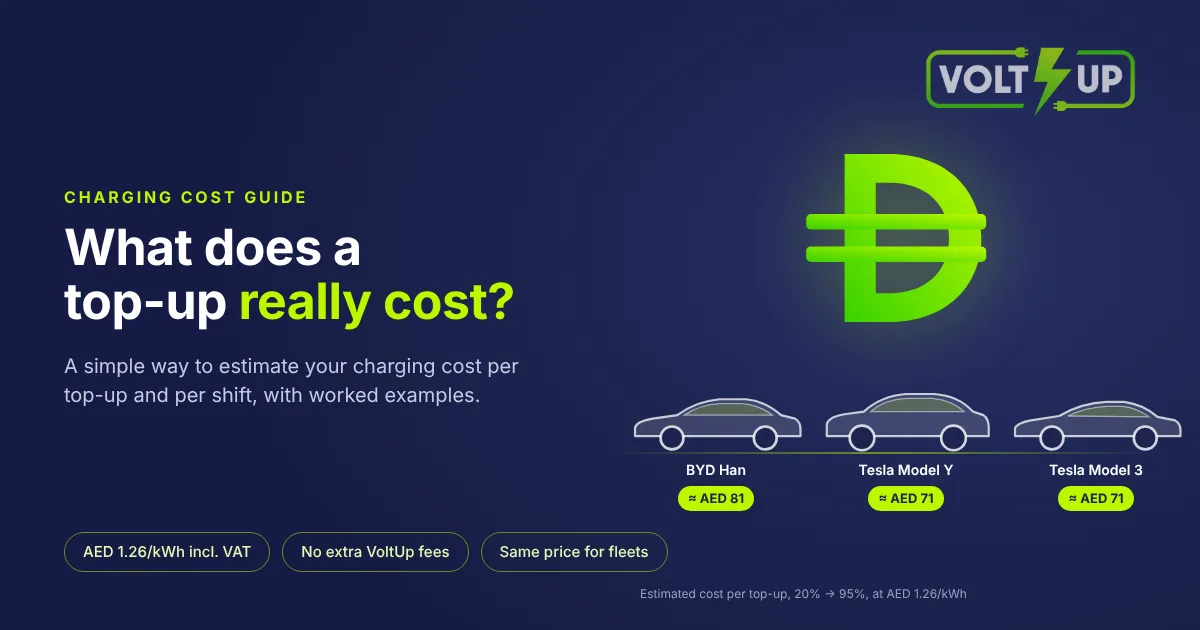
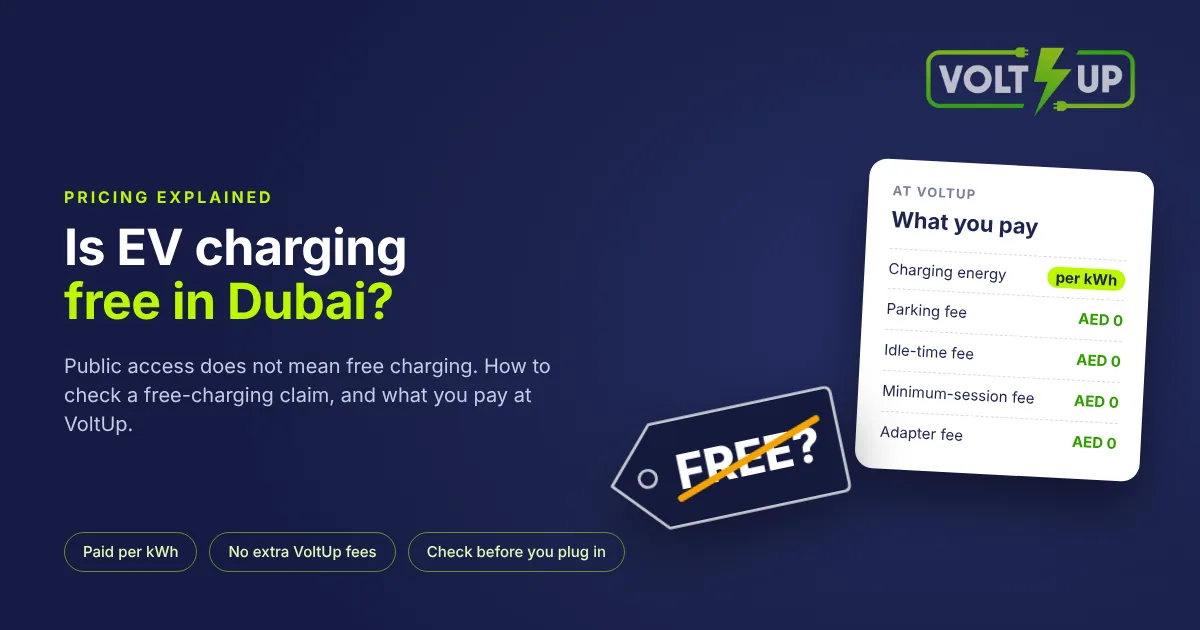
Charging costs AED 1.20/kWh + 5% VAT (AED 1.26/kWh including VAT). There are no parking, idle-time, minimum-session or adapter fees. The app receipt shows the actual kWh and the amount of each session, and you receive a VAT tax invoice for the exact kWh charged, in the app and by email.
What new drivers ask us first
At the charger, new drivers often ask whether they can leave the car and do something else. They can: the app and the team let you know when it is done. They also ask whether they pay extra if the car finishes while they are away. They do not, because there is no idle fee, and there is no fee for our adapters either.
If you want to pay with cash, you top up your app wallet at the deposit machine in the waiting area.
We often see new EV drivers surprised by how fast the hub charges their car, and by how calmly they can park. They trust the VoltUp operators, whom they see every day.
The one tip our team gives every new customer is to come back.
Questions drivers ask
How do I start charging?
A VoltUp operator connects your car. You then scan the QR code on the cable in the VoltUp app and tap "start session", or use an RFID card linked to your account. Full answer
Do I need the app to charge?
We recommend the VoltUp app for every driver: you start the session in it and pay from its wallet. If you prefer not to use the app, you can charge and pay afterwards in cash at the station. Full answer
Which payment methods are accepted?
You pay from the VoltUp app wallet, topped up by card (Visa or Mastercard), Apple Pay, Google Pay, Samsung Pay, bank transfer or cash at the deposit machine. Full answer
How do I create an account?
In the VoltUp app, with your phone number and a 6-digit SMS code, then a few details about you and your car. On your first visit the team helps you. Full answer
What if my one-time code does not arrive?
Contact our team on WhatsApp or by phone: they can send your one-time code by WhatsApp instead. Only enter the code in the VoltUp app. Full answer
Do I need my own cable or adapter?
No. A VoltUp operator connects the charger's cable and, if your car needs one, a VoltUp-certified adapter that is free to use. Full answer
More from VoltUp
For the app itself, see how the VoltUp app works. For the address and a short guide to a first visit, see the VoltUp Umm Ramool station page. For examples by car, see VoltUp pricing. If you are still comparing places to charge, read how to choose an EV charging station near you.