EV Charging Near Me: How to Choose a Dubai Station
A nearby map pin is only the start. Check vehicle compatibility, access, payment and on-site help before your next charging stop, with first-visit insights from VoltUp's Umm Ramool team.
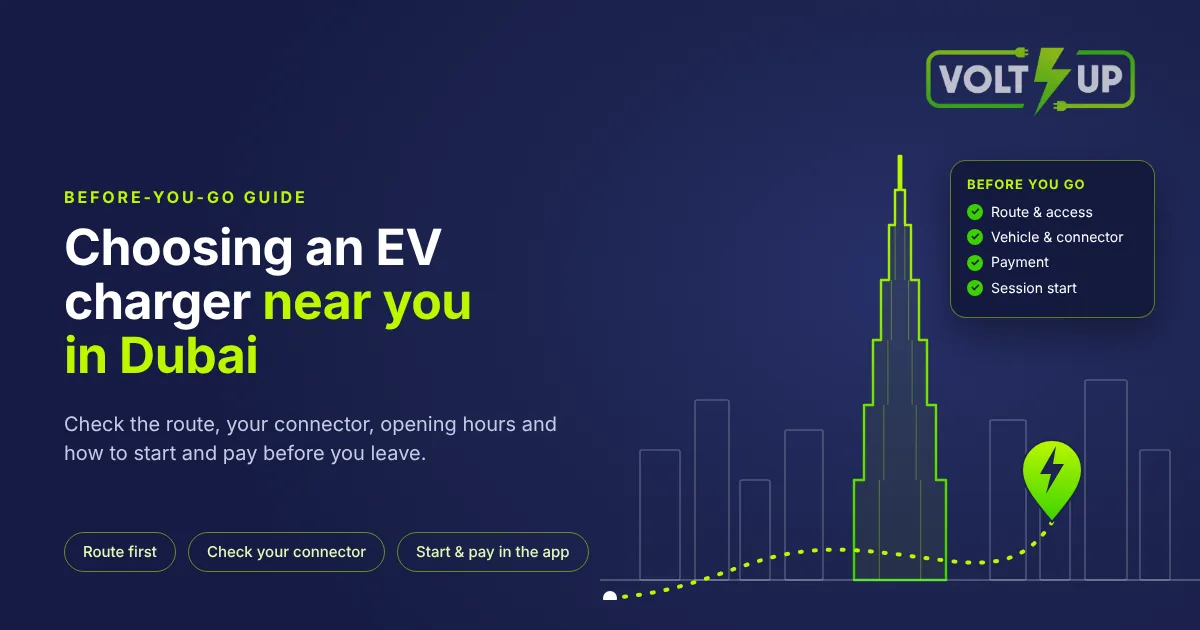
Choose a nearby EV charging station in Dubai by checking the driving route, vehicle compatibility, opening hours and how to start and pay before you leave. Use the map to shortlist options, then confirm anything unclear with the operator.
Start with the route, not just the map pin
If you search for ev charging near me, treat the results as a starting point. Open the route from your actual location and check the destination address. Think about your onward journey too, particularly if you are driving a taxi, limousine or rental vehicle between commitments.
Before choosing a stop, check whether it is open to the public at the time you intend to visit. If the entrance or access conditions are unclear, ask the operator before setting off.
For broader information, see our guide to EV charging in Dubai. For a specific visit, use the station's own details rather than relying on a general area description.
VoltUp's public station is at 22B Street 25, Umm Ramool, Dubai, UAE. It is open 24/7, with a team on site, and welcomes private as well as commercial drivers. Use the station directions to plan your route.
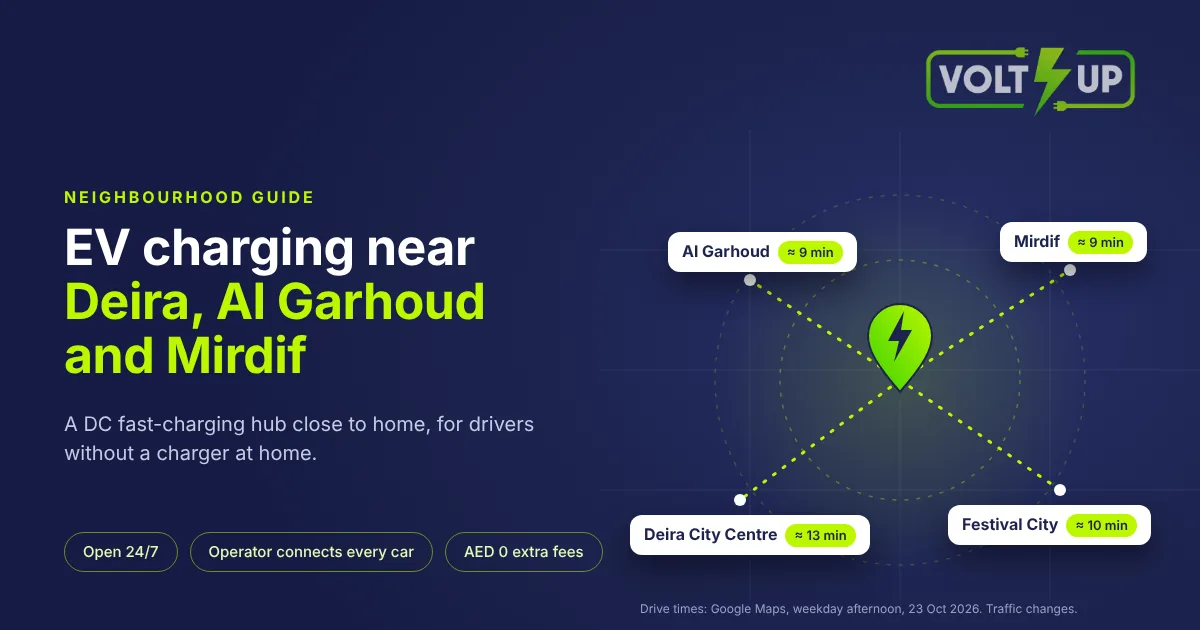
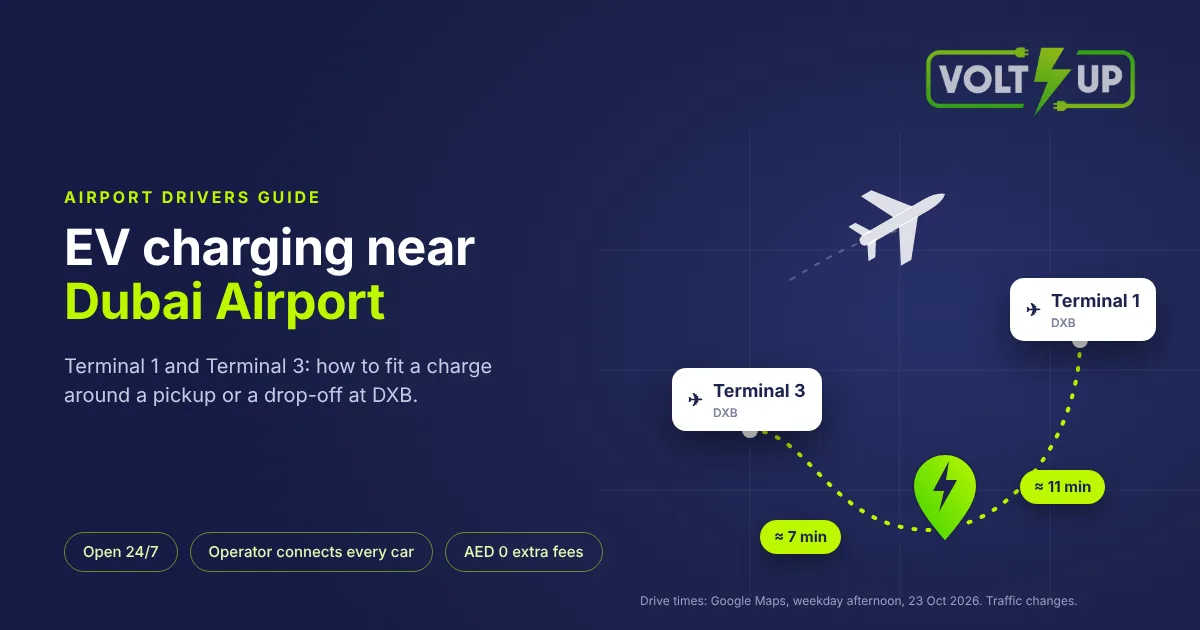
VoltUp Umm Ramool is about 7 minutes by car from DXB Terminal 3, 9 from Al Garhoud and Mirdif, 10 from Dubai Festival City, 11 from DXB Terminal 1 and 15 from Downtown Dubai. Drive times measured on Google Maps on a weekday afternoon (23 Oct 2026). Traffic changes. See all drive times to Umm Ramool.
Confirm your vehicle can charge before making the trip
A useful question is not simply whether a station has fast charging, but whether its connector and any required adapter are suitable for your particular vehicle. If you are unsure of your charging inlet, tell the operator that rather than guessing.
Our Umm Ramool team asks whether a car uses native CCS2 or needs an adapter. When discussing an imported vehicle, explain which market it came from as well as identifying the car. That gives the team context for checking the charging connection; a brand name alone should not be treated as confirmation.
Every VoltUp charger has native CCS2. Our team carries adapters for GB/T, CCS1 and Tesla NACS cars, subject to confirmation for the individual vehicle. CHAdeMO is not supported.
Check how to start and pay before leaving
Check the current tariff, the payment setup and the session-start method separately. Being able to pay does not by itself explain how to activate a charger. Review the pricing information before your visit and ask the operator about anything unclear.
At VoltUp, charging is paid from the in-app wallet. Start through the VoltUp app by scanning the charger's QR code, or use an RFID card linked to the app account. You can top up your VoltUp app wallet by card (Visa or Mastercard), Apple Pay, Google Pay or Samsung Pay, by bank transfer, or with cash at the deposit machine at the station.
These are wallet top-up methods, not separate ways to start charging. Read about the VoltUp app before you arrive, especially if you have not used it before.
What drivers ask our Umm Ramool team
First-time visitors ask our team about charger power, how long charging takes and the charging price.
Do not choose solely by the power rating on a charger. Actual power depends on the car's battery management system, battery temperature and whether cars share a charger. A rating is not a promise of a particular charging duration for your visit.
Check availability as well as opening hours. The VoltUp app lets you check station availability, but reservations are not offered. An availability check does not guarantee a free bay when you arrive; keep that distinction in mind when planning around a work commitment.
What happens when you arrive at VoltUp
Our team directs each arriving car to the charger that best suits it, connects the cable and helps with the QR code. For a new customer who has not charged with us before, our team helps with downloading the app, creating an account and topping up the wallet, then explains how to scan the QR code and start the session.
Our team also sees first-time adapter users stop and restart a session because the charging power has not risen as quickly as they expected. The initial connection and increase in power can take time. If you are unsure what the session display means, ask the on-site team to check instead of repeatedly restarting it. Do not assume either that a low initial reading proves a fault or that every delay is normal.
Your before-you-go checklist
Route and access: Destination, public access and opening hours checked.
Vehicle: Connector and any adapter requirement confirmed.
Payment: Tariff and wallet funding understood.
Session start: Required app or linked card ready.
Help: Operator contact saved.
Availability: Current information checked.
For VoltUp, use the Umm Ramool station page to plan your visit. Call or WhatsApp +971 52 557 6145, monitored 24/7, if you need clarification. For app and charging support, contact support@voltup.ae.
Frequently asked questions
Should I choose the closest charging station on the map?
Not on distance alone. Choose a stop that suits your vehicle and onward journey.
Can an imported EV charge at VoltUp?
Ask the team to confirm your particular vehicle; compatibility is not universal.
Can I pay cash and start charging without the app account?
The easiest way to charge is the VoltUp app or an RFID card linked to your account, and cash at the deposit machine tops up your wallet. If you do not have the app, ask our team on site: you can charge and pay in cash afterwards.
Does availability in the app reserve a bay?
No. VoltUp does not offer reservations.